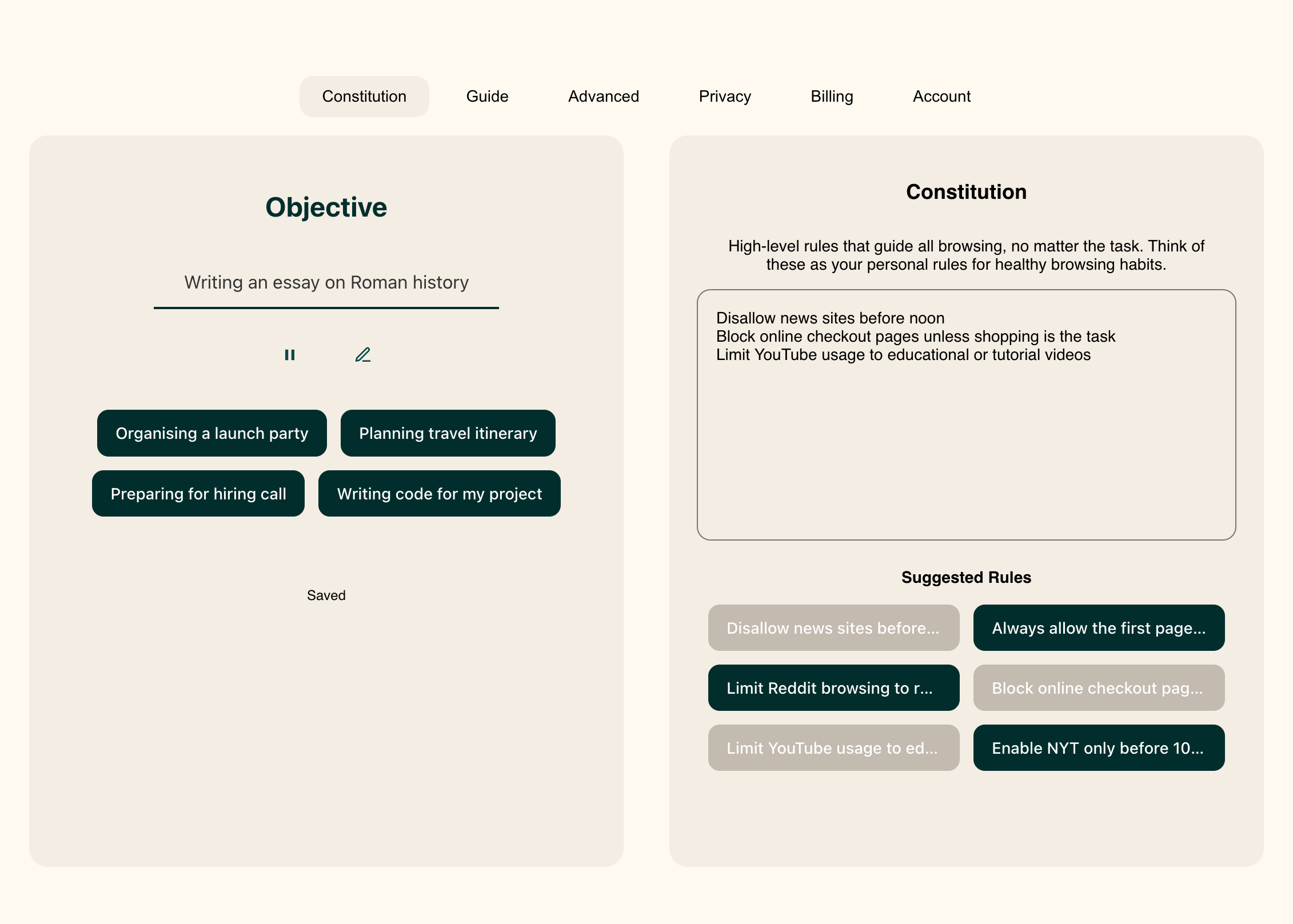
How Objective Works
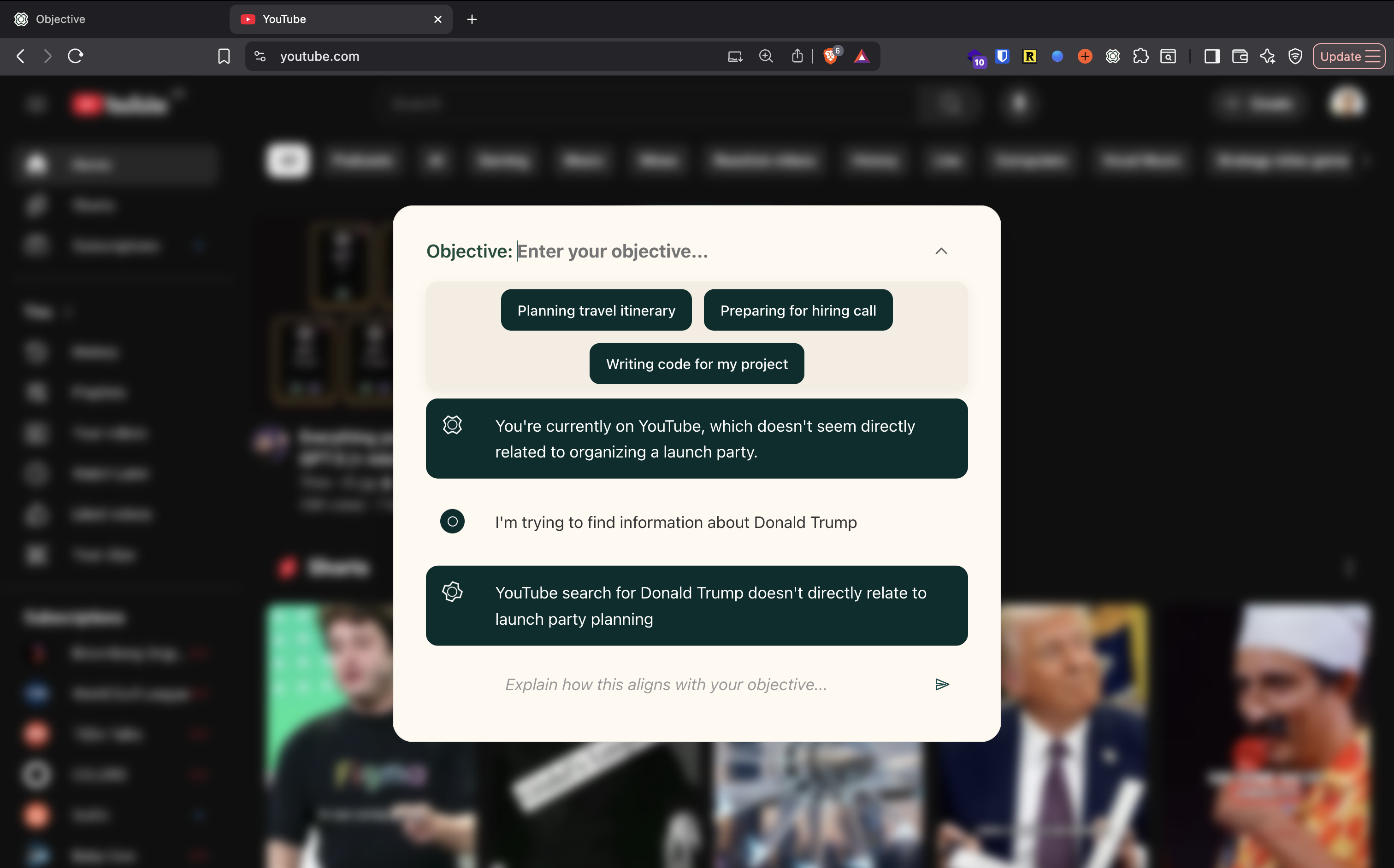
Objective reads the active tab locally and compares it to your intent. If you’re off‑track, it surfaces a banner where you can justify, pause, or return.



Objective keeps an eye on context and gives you a respectful prompt when a page doesn’t match your intention.
Objective reads the active tab locally and compares it to your intent. If you’re off‑track, it surfaces a banner where you can justify, pause, or return.
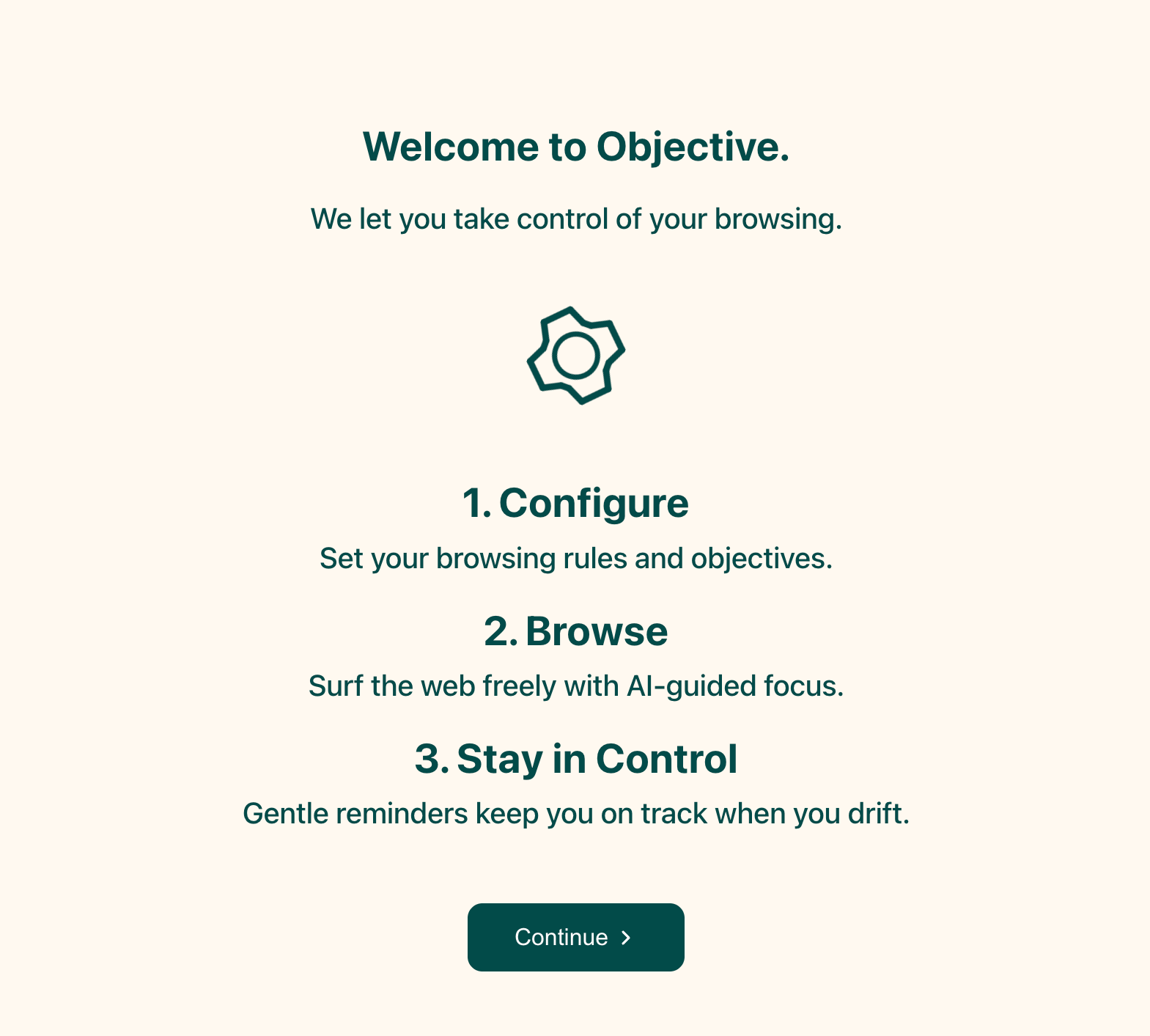
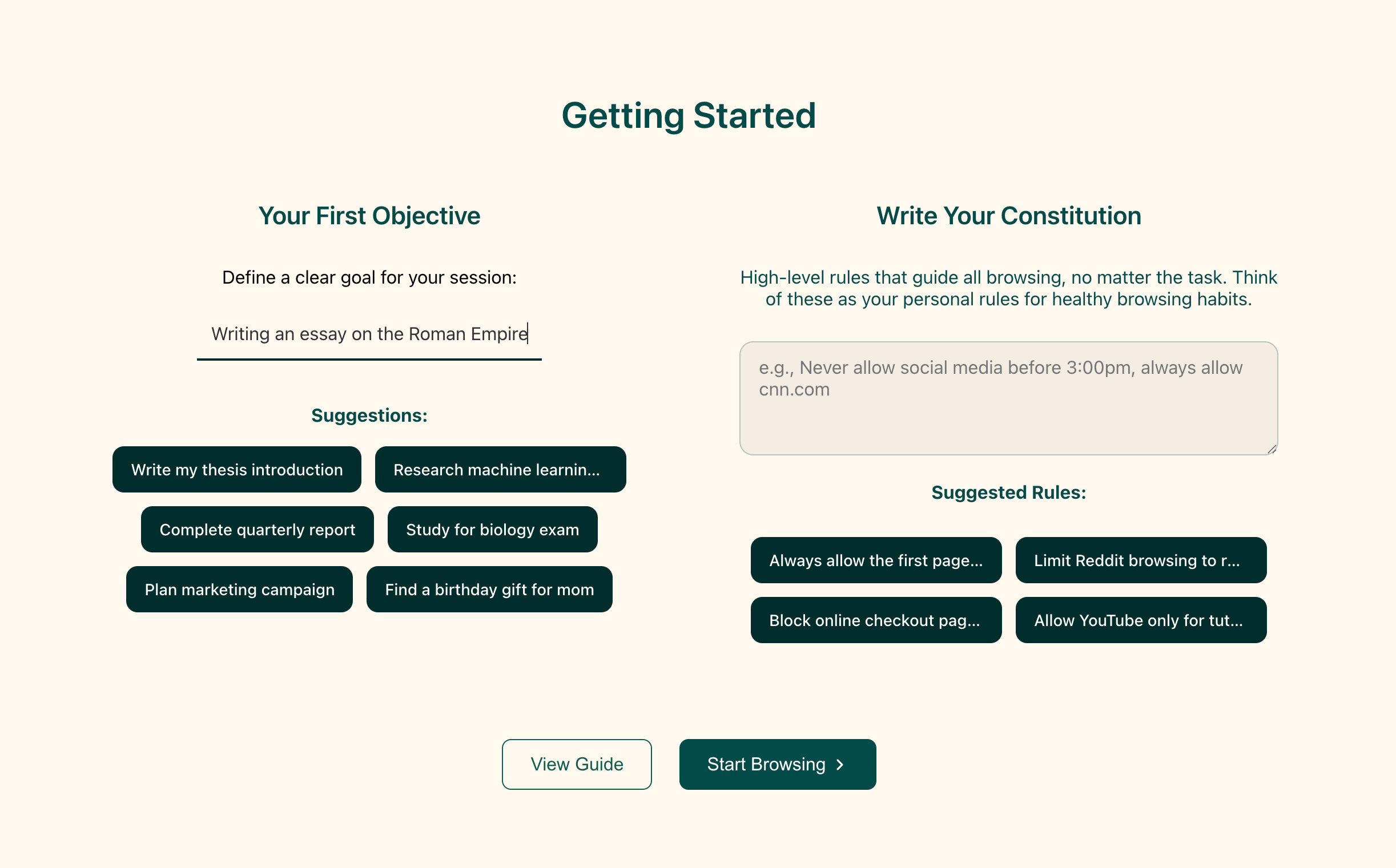
Objective quietly compares your current page to your intention. On‑task? It stays silent. Off‑task? You get a gentle banner — your call.
When you wander, Objective asks why. Quick justification for research, easy pause if you’re switching, or a reminder to return.
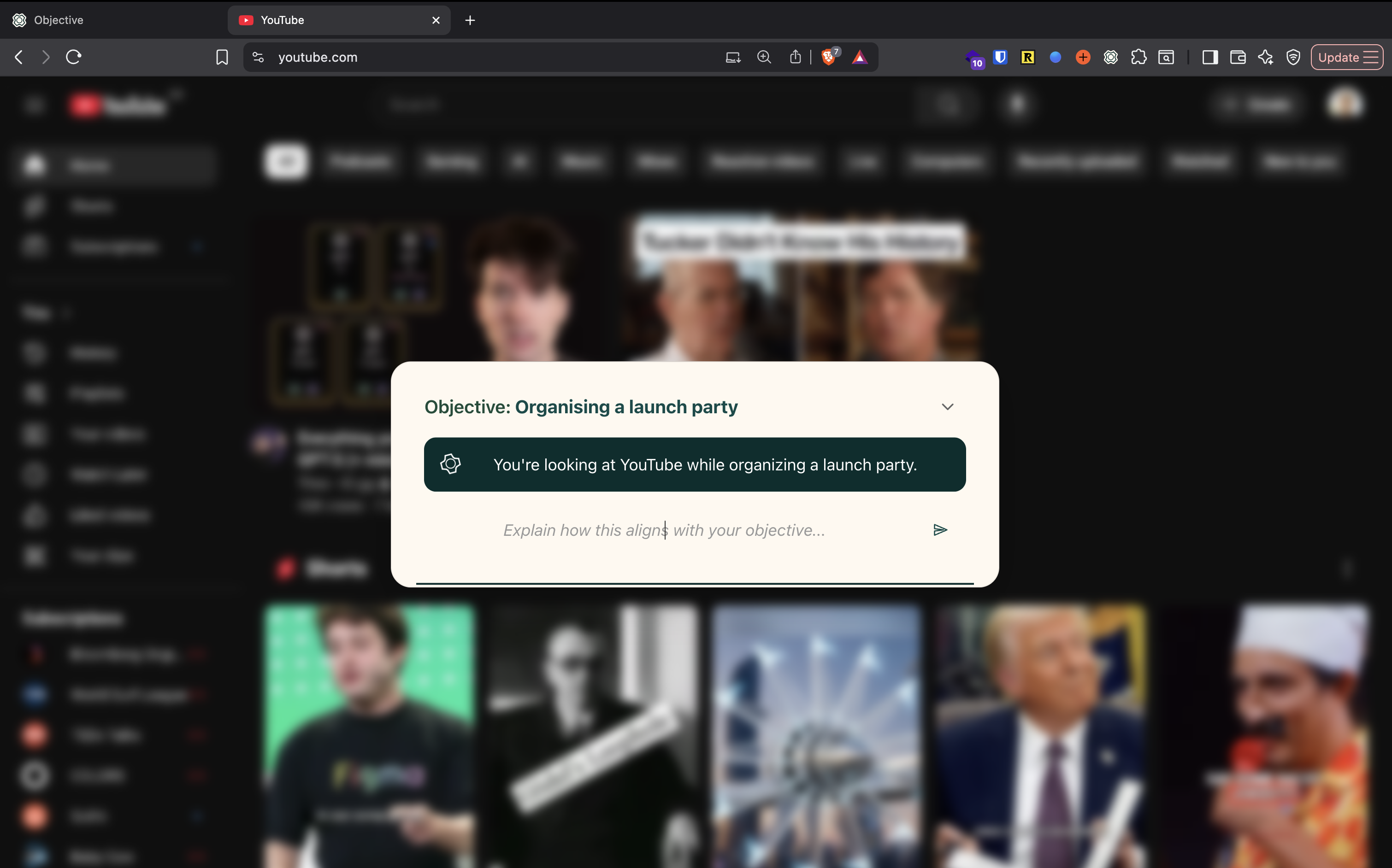
Some days, you’ll debate with yourself. Writing a one‑line justification clarifies intent and resets momentum. The tool doesn’t judge — it helps you be the person you said you’d be.
We set clear objectives during focus blocks. When we’re researching, we say so. When we drift, we spot it rapidly. With our constitutions, we can prevent any distracting websites from recurring in our workflow.